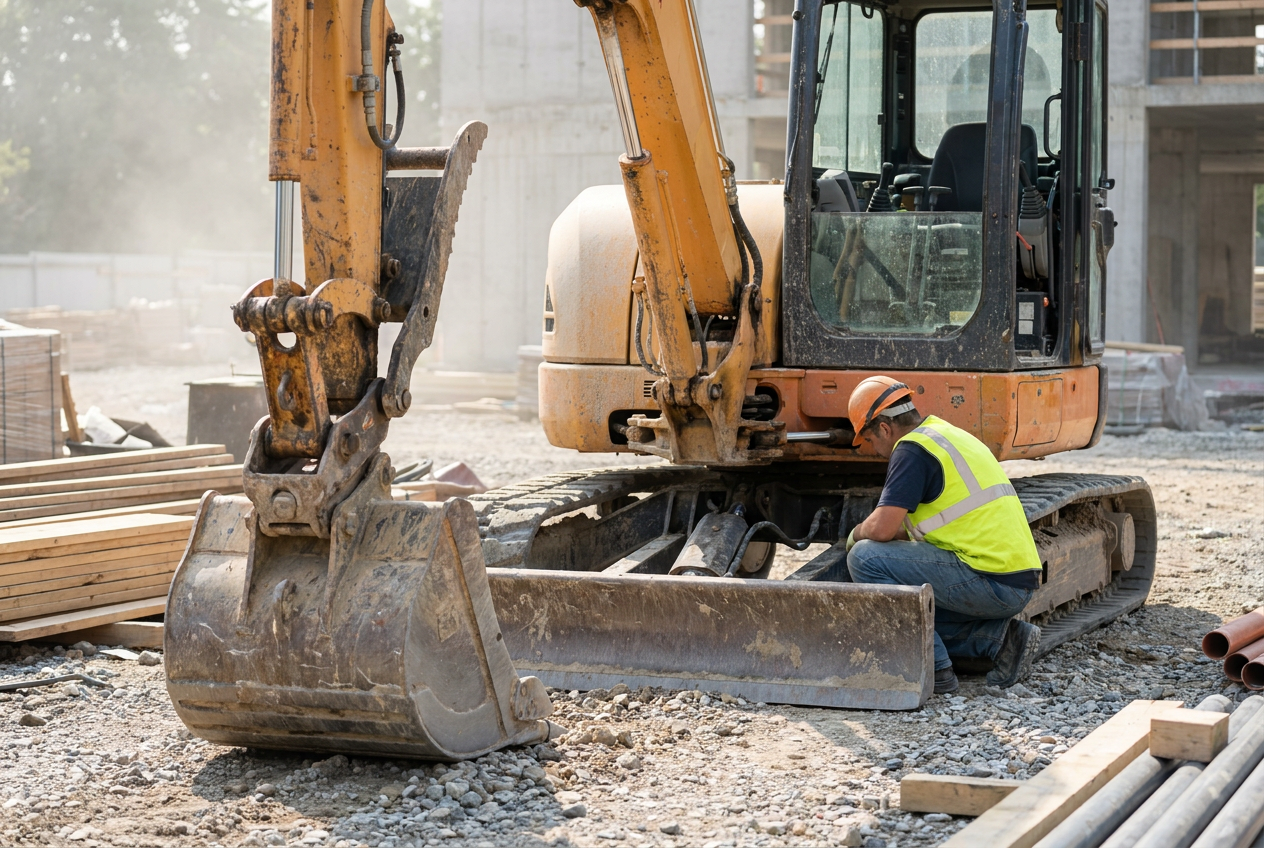
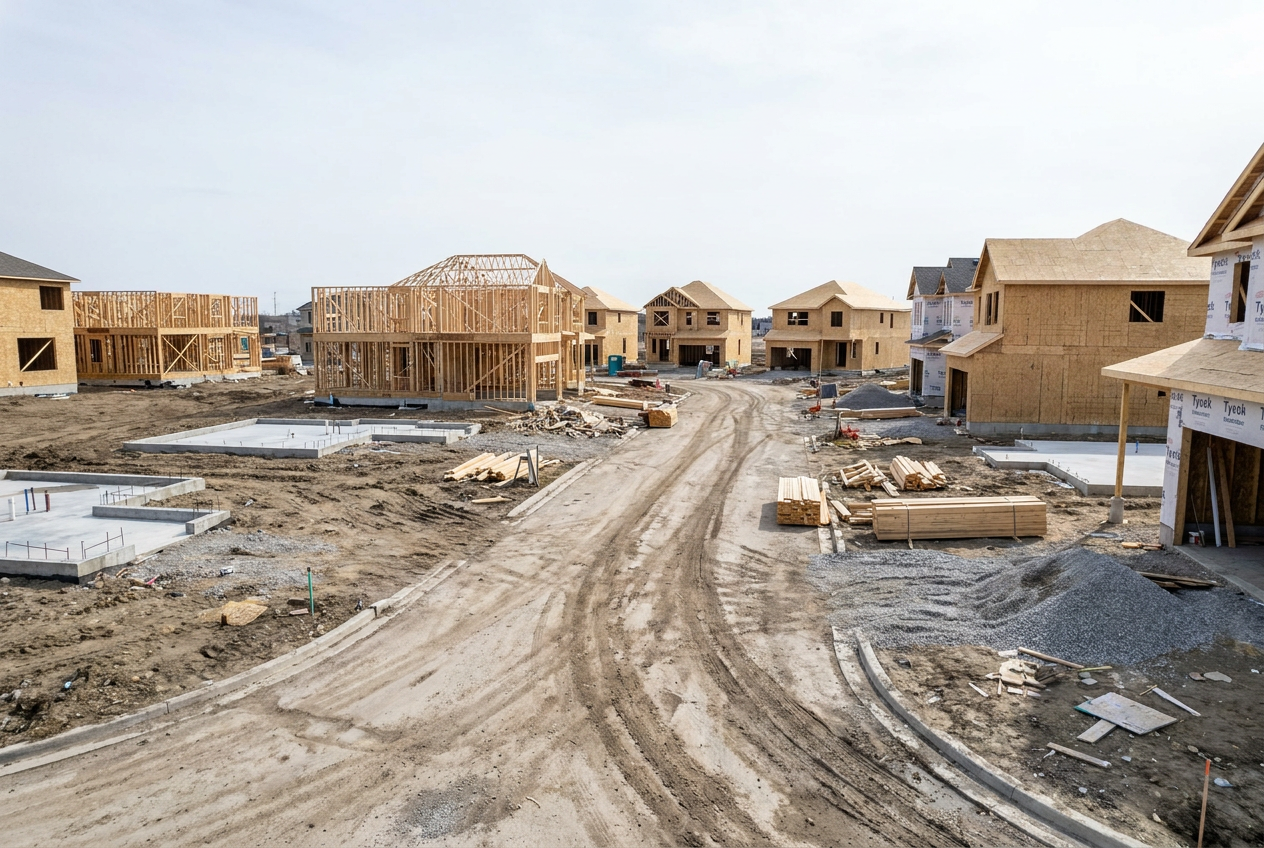
Construction businesses often get grouped together as if every contractor has the same operational problem. In reality, a commercial contractor managing multi-phase projects, a homebuilder coordinating lots and buyer selections, a residential contractor trying to standardize repeatable work, and a field service company dispatching technicians all need different workflows.
They may share the same core challenges: job cost visibility, faster invoicing, better scheduling, cleaner communication, and fewer disconnected spreadsheets. But enterprise resource planning, or ERP, needs to be configured differently depending on the business model.
That is why construction ERP should not be treated as a generic back-office system. The best setup connects accounting, project management, field operations, documents, inventory, reporting, and customer workflows in a way that matches how the company actually delivers work.
DC Tech Group helps construction and field service businesses implement, customize, integrate, and support Acumatica construction ERP. The goal is not simply to install software. The goal is to build a connected operating system that gives each team the visibility, controls, and workflows they need to run better projects.
Why industry-specific construction ERP matters
Construction ERP software is business management software designed to connect the financial, operational, and project data that construction and field service companies rely on. In practice, it can combine construction accounting software, construction job costing software, contractor management software, and field service ERP workflows in one shared environment.
Construction ERP should match how work is delivered
The word “construction” covers a wide range of operating models. Commercial contractors often manage larger contracts, subcontractor commitments, retainage, change orders, and complex billing schedules. Homebuilders may need lot-level visibility, production schedules, buyer selections, option management, and integration with homebuilding platforms. Residential contractors may need fast estimating, repeatable project templates, straightforward invoicing, and owner-level visibility. Field service companies need dispatch, work orders, technician notes, inventory, and invoice status connected in real time.
A generic ERP setup can technically store data for all of these teams, but that does not mean it supports the decisions they make every day. The implementation has to reflect the business model, not just the chart of accounts.
That is the difference between having software and having an operational system.
The risk of forcing every team into one generic workflow
A one-size-fits-all ERP configuration usually creates friction. Commercial project managers may struggle to see committed cost exposure by phase. Homebuilders may end up tracking buyer selections in spreadsheets. Residential contractors may avoid the system because the process feels too heavy. Field service teams may use separate dispatch tools that do not sync cleanly with accounting.
The result is familiar: duplicate entry, delayed reporting, inconsistent data, and project teams that continue using side systems because the ERP does not reflect their reality.
Industry-specific ERP solves this by defining the workflows each team needs before the system is configured. That includes:
- Project controls: Job budgets, cost codes, commitments, change orders, and projected cost at completion
- Field workflows: Time entry, service orders, technician notes, daily reports, and mobile access
- Financial operations: Billing schedules, invoicing, AR visibility, AP approvals, retainage, and cash forecasting
- Reporting: Role-based dashboards, project KPIs, job cost trends, and executive views
- Integrations: Estimating tools, field apps, document systems, CRM, homebuilding platforms, and accounting data
When these workflows are built around the way the business operates, ERP adoption improves because the system starts answering real operational questions.
What Acumatica gives construction and field service teams
Acumatica positions its construction management software as a cloud ERP solution that supports the full project lifecycle, including job cost accounting, project management, field operations, billing, documents, reporting, and mobile access. Its construction resources emphasize connected data, real-time collaboration, project cost visibility, and role-based access for jobsite and office teams.
For contractors, that matters because the value of ERP is not just automation. It is the ability to create a single source of truth. When project managers, accounting, leadership, and field teams are working from the same system, the business can make decisions faster and with fewer assumptions.

Construction ERP for commercial contractors
ERP for commercial contractors needs strong financial control because projects often involve complex contracts, phased work, subcontractor coordination, change orders, compliance documentation, and tight margins. Small data gaps can become large margin problems.
Job cost visibility across complex projects
Commercial contractors need job cost visibility that goes deeper than a month-end summary. A useful construction job costing software setup should show actual cost, committed cost, remaining budget, approved change orders, pending change orders, labor hours, material usage, and projected cost at completion.
The most important shift is moving from historical reporting to active project control. A project manager should not have to wait until the end of the month to learn that a phase is trending over budget. The system should surface cost movement early enough for the team to act.
For example, if labor hours on a concrete phase are trending above budget while a related change order is still pending, the project manager should be able to see both issues together before margin is already lost.
This is where Acumatica construction ERP can support commercial contractors by tying project accounting, job cost, purchasing, and billing into one shared system. When construction accounting software and project controls are connected, the team can see where cost pressure is coming from and whether the issue is labor, material, subcontractor scope, change order timing, or billing delay.
For a deeper look at the data silo problem in this specific vertical, this guide explains how commercial contractors can use Acumatica to reduce disconnected reporting and improve visibility across project teams.
Change orders, commitments, and billing control
Commercial contractors often lose visibility in the gap between field change, office approval, budget update, and billing. If change orders are tracked in one place, commitments in another, and invoices in a third, the business may not know its true exposure until too late.
A construction ERP setup should make that workflow traceable. When a change is identified, the system should help the team understand whether it affects scope, budget, schedule, subcontractor commitments, billing, or all of the above.
The same is true for commitments. A purchase order or subcontract agreement may not have created an invoice yet, but it still represents future cost. Committed cost visibility is essential for protecting margin before the invoice arrives.
When billing is tied to project progress and approved change activity, accounting can invoice faster and leadership can forecast cash more accurately.
Reporting that supports executive and project decisions
Commercial contractors need reporting at several levels. Project managers need job-level detail. Accounting needs billing and cash visibility. Leadership needs portfolio-level performance.
A strong ERP dashboard strategy answers different questions for different roles. For example, a project manager may need a dashboard showing budget variance by cost code, pending change orders, open RFIs, and unapproved time. An accounting team may need AR aging, unbilled work, and invoice approval status. Leadership may need backlog, margin by project type, cash exposure, and revenue forecast.
This is where construction business intelligence becomes important. If the business can convert ERP data into role-based dashboards, it can move from reactive reporting to proactive decision-making. This article on business intelligence in construction explains how data-driven visibility supports better project and financial decisions.
Construction ERP for homebuilders
ERP for homebuilders operates differently from ERP for commercial contractors. Homebuilding teams still need job costing and financial visibility, but their workflows often revolve around lots, floor plans, selections, production schedules, trade coordination, buyer communication, and warranty or service follow-up.
Production builders need repeatable workflows
Production homebuilding depends on repeatability. The business needs to manage similar plans, option packages, build schedules, subcontractor scopes, and material purchasing across multiple lots or communities.
An ERP setup for production builders should support consistent templates, clear phase tracking, purchasing controls, and schedule visibility. The goal is to reduce variation where standardization improves speed and accuracy.
For example, if a builder is managing multiple homes with similar scopes, the system should help teams compare budgeted vs. actual cost across lots, identify material cost trends, and understand which trades or phases are creating delays. That visibility helps the business improve the model over time instead of treating every build as a one-off.
Acumatica’s construction features can help support this kind of visibility, and DC Tech Group can customize the setup so the workflows match how the builder manages projects, not just how a generic ERP template expects projects to run.
Custom builders need flexibility by project
Custom builders have a different challenge. Instead of standardizing every workflow, they need flexibility without losing financial control. Each project may have unique selections, pricing, scope changes, design decisions, and buyer communication requirements.
A custom home builder ERP setup needs to make variation manageable. That means change orders should be easy to track. Selections and allowances should tie back to budget. Project managers should understand whether a design decision affects cost, timeline, or billing. Leadership should still be able to compare margin and performance across custom jobs even when each project is different.
This is why the ERP setup has to reflect the builder’s operating model. A custom builder and a production builder may both need home builder ERP, but they should not be configured the same way.
For more detail on that distinction, this article compares ERP requirements for custom builders and production homebuilders.
Buyer, option, and schedule visibility
Homebuilding also requires strong coordination between the office, field, subcontractors, and buyer-facing decisions. When selections, options, schedules, and cost changes are disconnected, the business risks missed approvals, outdated budgets, and buyer frustration.
A connected ERP environment can help homebuilders keep schedule, cost, and selection data aligned. When paired with the right integrations, this can reduce duplicate entry and improve visibility across systems.
For builders using or evaluating homebuilding workflow tools, this article explains how the BuildTopia and Acumatica integration can reshape residential construction workflows.
DC Tech Group also covers how Acumatica 2025 R2 affects builders and contractors, which is useful for teams planning upgrades or evaluating whether newer platform capabilities support their operations.

Construction ERP for residential contractors
ERP for residential contractors often solves a different problem. The business may not have the complexity of a large commercial contractor or production builder, but it still needs a reliable system to manage estimating, job tracking, scheduling, purchasing, field updates, billing, and customer communication.
Smaller teams need structure without unnecessary complexity
Residential contractors are often trying to get control without overbuilding the process. If the ERP setup feels too complicated, the team will avoid it. If it is too lightweight, leadership will not get the visibility needed to manage growth.
The right approach is practical structure. Start with the core workflows that create the most friction: estimates, job setup, budget tracking, purchase approvals, schedule updates, field notes, invoicing, and reporting.
A residential contractor ERP setup should answer simple but critical questions:
- Which jobs are active and where do they stand?
- Which costs have hit the job and which costs are still committed?
- What needs to be billed, approved, ordered, or scheduled next?
When a system answers those questions consistently, the team spends less time chasing updates and more time managing the work.
Better coordination across estimates, crews, and invoices
Residential contractors often feel reporting pain because the work moves quickly. A job may go from estimate to schedule to field work to invoice in a short period, and every handoff creates a chance for missing information.
ERP helps by connecting those handoffs. An estimate can inform the job budget. Purchase activity can tie back to the job. Field time can flow into cost tracking. Invoices can reflect completed work. Reports can show whether the job is on track before the final margin is known.
This matters because residential contractors often do not have extra administrative capacity. The system has to reduce follow-up work, not create more of it.
A practical path from spreadsheets to ERP
Many residential contractors start with spreadsheets because they are flexible and inexpensive. The problem is that spreadsheets eventually become fragile. One person knows the formulas. One file becomes the “real” version. Project data is not connected to accounting. Reporting depends on manual updates.
Moving to ERP does not mean abandoning every familiar workflow at once. A practical migration identifies the highest-risk spreadsheet processes first, then rebuilds them inside a connected system.
For homebuilders and residential contractors exploring where Acumatica is headed, this article on transforming homebuilding operations with Acumatica 2025 R2 provides useful context for how platform updates can support builders moving toward connected operations.
Field service ERP for dispatch-to-invoice operations
Field service companies need construction ERP to support a faster operational loop. A field service ERP setup connects scheduling, technician work, documentation, approvals, and billing so revenue is not slowed down by disconnected handoffs.
Scheduling and technician visibility
A field service ERP setup should make it clear who is assigned, where they are going, what work needs to be completed, and what information the office needs back from the field.
Technician visibility is not just about tracking people. It is about giving the team the information needed to complete work correctly and bill accurately. That includes service history, customer details, parts or materials, work order status, notes, photos when applicable, and approval steps.
When scheduling and service data live in one connected system, office teams spend less time asking for updates and technicians spend less time repeating information.
Inventory, work orders, and service profitability
Field service profitability depends on details. Parts used, labor time, travel, warranty work, return visits, and incomplete documentation can all affect margin.
ERP can help by tying inventory, work orders, time, and invoicing together. If a technician uses a part, the system should reflect that usage. If a work order is complete, billing should not have to wait for a separate spreadsheet or email thread. If a certain service type is consistently less profitable, leadership should be able to see why.
For service companies, this creates a clearer dispatch-to-invoice workflow. This article on HVAC service management explains how ERP for field service companies can connect dispatch, work completion, and invoicing in one system.
Why field and office teams need the same data
The biggest field service reporting problems often come from mismatched visibility. The field knows what happened, but the office does not have it yet. Accounting knows what was billed, but operations does not know whether the work was profitable. Leadership sees revenue, but not the operational reason behind margin movement.
A connected field service ERP setup reduces that gap. It gives each role a different view of the same operational truth.
For contractors that manage both project work and field operations, this complete guide to field operations management explains how better field-to-office systems support coordination and project control.

How to choose the right Acumatica construction ERP setup
Choosing construction ERP is not just about picking a platform. It is about designing the right operating model inside that platform. Acumatica gives construction and field service businesses a flexible foundation, but the value depends on how well the implementation fits the business.
Start with workflows, not software features
Before choosing modules, reports, or integrations, define the workflows that matter most. What happens when a job is created? How are budgets built? How are change orders approved? How does the field report progress? How does accounting know what can be billed? How does leadership see project health?
The right configuration also depends on company size, reporting maturity, existing systems, and how much process standardization the team is ready to adopt.
A useful ERP discovery process should map workflows across roles, not just departments. The project manager, controller, dispatcher, owner, estimator, and field lead may all touch the same job, but they need different information at different times.
A practical evaluation should cover:
- Business model: Commercial contracting, homebuilding, residential contracting, field service, or a blend of several models
- Core workflows: Job costing, scheduling, field reporting, change orders, billing, inventory, purchasing, and service management
- Data sources: Existing accounting tools, estimating software, field apps, spreadsheets, CRM, and document systems
- Reporting needs: Role-based dashboards, custom reports, self-service access, and executive visibility
- Adoption needs: Training, permissions, support, and workflow documentation
When those requirements are clear, the ERP configuration can be built around how the company actually operates.
Build reporting and self-service access from the beginning
Reporting should not be treated as an afterthought. If the system is implemented without clear reporting definitions, the team may end up recreating spreadsheet problems inside a more expensive tool.
The better approach is to define reporting requirements early. Which KPIs matter to each role? What does “complete” mean? What counts as committed cost? Which statuses trigger billing? Which reports need to be self-service, and which should be controlled by an admin?
Self-service reporting is especially important for growing contractors because questions change constantly. A PM may need a different job cost view this week. Accounting may need to filter billing status by customer or project type. Leadership may want a quick view of backlog by region, division, or service line.
A strong self-service ERP reporting setup can give project managers, accounting teams, and leaders easier access to the views they need without creating constant IT bottlenecks.
Work with an implementation partner that understands the vertical
Construction ERP implementation is not only a technical project. It is an operations project. The partner needs to understand job costing, field workflows, change orders, billing, project visibility, and the specific differences between commercial contracting, homebuilding, residential contracting, and field service.
DC Tech Group brings Acumatica implementation, migration, customization, integration, training, and ongoing support together for construction and field service businesses. Their reference information notes 350+ successful projects, 30+ years of combined experience, and 100+ customers, which supports the practical, implementation-focused perspective needed for these projects.
The right partner should help you answer three questions before configuration begins:
- Which workflows should be standardized?
- Which workflows need flexibility by vertical or role?
- Which reports and dashboards will prove the system is working?
That is where a tailored Acumatica implementation becomes valuable. Commercial contractors, homebuilders, residential contractors, and field service companies should not be forced into the same workflow. They need the same foundation, but different configurations.
If your team is evaluating construction ERP, contact DC Tech Group to discuss which Acumatica setup fits your business model, where your current reporting or workflow gaps are, and how implementation, migration, customization, integrations, training, and ongoing support should be planned around your team’s workflows.