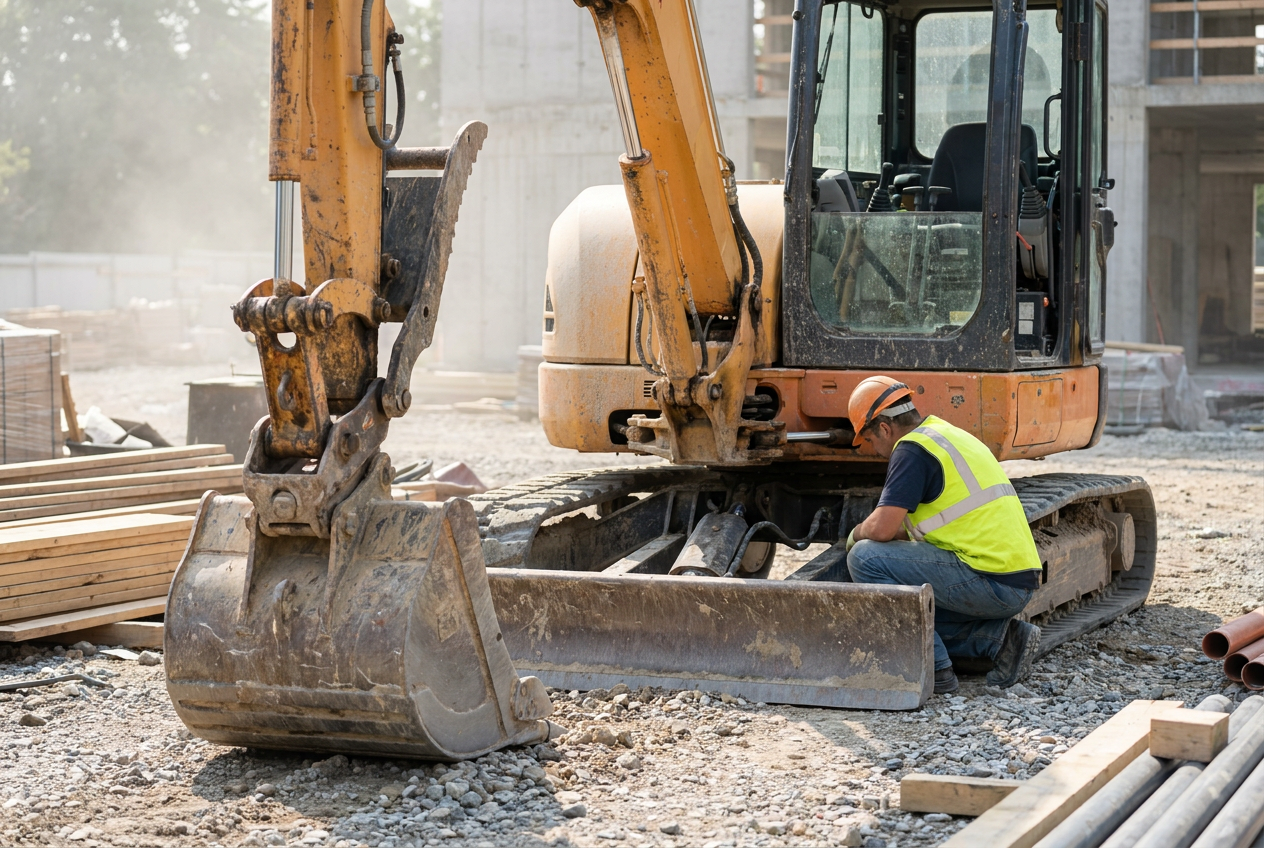
When a piece of heavy equipment fails mid-job, the repair bill is rarely the biggest problem. It's the crew standing idle while you wait on a part, the schedule that slips two days because the excavator is down, and the job cost report that no longer reflects reality. Equipment maintenance scheduling is one of the clearest areas where a construction ERP pays for itself, not by automating paperwork, but by turning the usage data your team already generates into proactive maintenance triggers before the breakdown ever happens.
Why Reactive Equipment Maintenance Costs Contractors More Than They Realize
The Hidden Job Cost of Unplanned Downtime
Most contractors can tell you what a repair costs. Far fewer can tell you what the downtime cost. An unplanned breakdown on a grading crew doesn't just generate a mechanic's invoice. It idles laborers, delays subcontractors scheduled to follow, and can push a project into overtime territory that wasn't budgeted. Those costs get absorbed into the job, often without ever being isolated or understood. By the time the final job cost report lands, the overrun looks like a labor problem when it was actually an equipment problem that started weeks earlier.
How Spreadsheets and Paper Logs Make the Problem Worse
The maintenance log sitting in a binder at the shop doesn't know that a particular machine just finished its third consecutive week of heavy use on a concrete pour. A spreadsheet updated by one person doesn't alert the field supervisor when a service interval is approaching. Manual tracking systems are reactive by design, they record what happened, not what's about to happen. For contractors running multiple pieces of equipment across several active jobs, that gap between record and reality is where breakdowns live. ERP solutions built for commercial contractors managing equipment-heavy projects are designed specifically to close that gap.
What ERP Data Actually Captures About Your Equipment
Usage Hours, Job Assignments, and Cost Codes
A construction ERP like Acumatica tracks equipment usage hours, job assignments, cost codes, and service history in a single connected record. That means project managers and field supervisors can anticipate maintenance needs rather than react to failures after the fact. When a skid steer is assigned to a job, the ERP logs those hours against that job's cost code. When it moves to the next job, that history travels with the equipment record, not with a paper form that stays at the previous site.
That connected record matters more than it might seem at first. Equipment doesn't wear evenly across all job types. A machine running in wet clay conditions accumulates wear differently than the same machine grading a dry, compacted surface. When usage hours are tied to job context, the data becomes genuinely meaningful rather than just a simple hour counter ticking upward.
Maintenance History as a Living Record
Every service event logged in Acumatica Cloud ERP becomes part of a living equipment record. Filter changes, hydraulic inspections, track tension adjustments, each entry builds a history that informs the next service interval. Over time, that record can reveal patterns: which machines require more frequent attention, which job types accelerate wear, and where your maintenance budget is actually going. That kind of visibility is something a binder at the shop simply can't provide.
 Proactive maintenance scheduling keeps field supervisors ahead of service intervals and ahead of costly breakdowns.
How to Build a Proactive Maintenance Schedule Using ERP Triggers
Proactive equipment maintenance scheduling in an ERP works by setting automated triggers, based on usage hours, mileage, or calendar intervals, that generate work orders or alerts before a service interval is missed. The result is maintenance that stays aligned with actual field activity rather than a static paper schedule nobody updates. The difference between a reactive and proactive program often comes down to one thing: whether your system can see the gap between where a machine is and where it needs to be before that gap becomes a breakdown.
Setting Usage-Based and Calendar-Based Thresholds
Not every piece of equipment follows the same service logic. Some machines are best maintained on a calendar schedule, with monthly inspections regardless of use. Others need service tied directly to operating hours. A well-configured ERP supports both, and lets you layer them: service at 250 hours or at 90 days, whichever comes first. Getting those thresholds right at the start is the most important part of building a schedule that actually holds up in the field.
Connecting Maintenance Alerts to Field Dispatch
A maintenance alert that only lives in the back office doesn't help a field supervisor planning tomorrow's crew assignments. When field service ERP tools for dispatch and equipment maintenance coordination are connected, a service trigger can notify the right person at the right time, before the machine is committed to a job it shouldn't be on. That's the coordination that separates a proactive program from a reactive one.
- Audit your current equipment list and document existing service intervals for each machine.
- Map each piece of equipment to the job types and usage patterns it typically encounters.
- Set usage-based and calendar-based thresholds in your ERP for each service type.
- Configure automated work order generation or alerts tied to those thresholds.
- Connect maintenance alerts to your dispatch workflow so field supervisors see upcoming service needs before scheduling assignments.
- Review and adjust thresholds quarterly based on actual service history and field conditions.
Connecting Equipment Maintenance to Job Costing and Budget Control
Equipment maintenance isn't just an operations problem. It's a financial one. When maintenance costs are tracked against specific job cost codes, project managers can see exactly how much each machine is costing per job, not just in fuel and labor, but in service and parts. That data changes how you estimate future work.
Planned maintenance costs are predictable. Emergency repairs are not. Pull a report showing that a particular excavator averaged a certain service cost per 100 hours over the last year, and you can build that number into your next bid with real confidence. When breakdowns are the norm, those costs get buried in job overruns and never make it into the estimating model. Over time, that gap compounds, and contractors who manage equipment reactively consistently underestimate their true equipment costs.
There's also a cash flow dimension worth naming. Unplanned repairs tend to arrive at the worst possible time, drawing from operating funds earmarked for payroll or materials. A scheduled maintenance program tracked through the ERP lets finance teams plan for those expenditures rather than absorb them as surprises every few months.
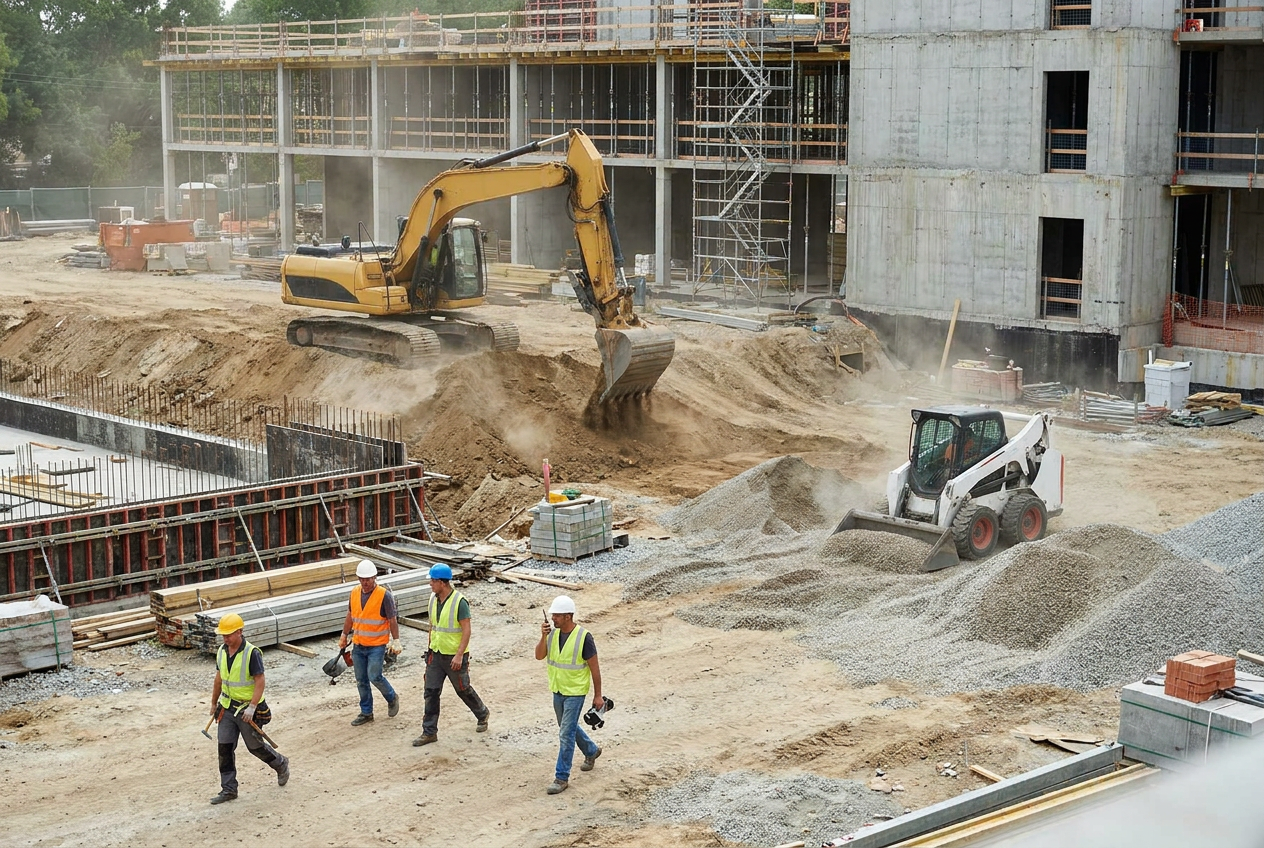 A well-maintained fleet keeps projects on schedule and job cost reports accurate.
What Acumatica Construction ERP Brings to Equipment Maintenance
Built-In Equipment Management Features
Acumatica's construction module includes equipment management functionality that connects directly to project management, job costing, and field service workflows. Service orders, maintenance history, and usage tracking are part of the same system your project managers use to manage budgets and your dispatchers use to assign crews. No separate system to maintain. No data to export and reconcile. That integration is what makes proactive scheduling practical rather than aspirational.
Customization and Integration Options for Your Workflow
No two contractors manage equipment the same way. Some run mixed fleets with leased and owned machines. Others work across multiple divisions with different maintenance standards. Custom ERP workflows and dashboards configured around your equipment and maintenance processes mean the system adapts to how your team actually works, rather than forcing a generic template onto an operation that doesn't fit it. For contractors already using telematics platforms or fleet management tools, ERP integrations that connect equipment data with field and financial systems can bring that data into a single record without requiring manual entry.
- Equipment records connected to job costing, project management, and field dispatch in one system
- Usage-based and calendar-based maintenance triggers with automated work order generation
- Service history tied to individual equipment records, not separate spreadsheets or binders
- Configurable dashboards so project managers and field supervisors see what's relevant to their role
- Integration options for telematics platforms and fleet management tools already in use
Getting Started with ERP-Driven Maintenance Scheduling
Getting started means mapping your current equipment list, service intervals, and job assignment patterns into your ERP. DC Tech Group handles that during implementation by configuring Acumatica around your actual workflows rather than forcing your team into a generic template. That configuration work matters more than most contractors expect. A system set up with the wrong thresholds, or without the right connections to dispatch and job costing, won't deliver the proactive visibility that makes maintenance scheduling worth doing in the first place.
The practical starting point is usually simpler than it sounds. Pull your current equipment list. Note the manufacturer-recommended service intervals. Identify which machines have the most job hours logged against them. Those are the machines where a missed service interval is most likely to cause a problem, and the best place to begin building a trigger-based schedule. From there, the system builds its own history and the program becomes self-reinforcing.
Can an ERP handle maintenance scheduling for both owned and leased equipment?
Yes. A construction ERP like Acumatica can track maintenance records and service intervals for both owned and leased equipment within the same system. For leased machines, you can configure alerts based on the lease agreement's service requirements and log any maintenance performed, keeping a clear record regardless of ownership status.
What is the difference between usage-based and calendar-based maintenance triggers in an ERP?
Usage-based triggers fire when a machine reaches a set number of operating hours or miles. Calendar-based triggers fire after a set amount of time has passed, regardless of how much the machine was used. A well-configured ERP lets you set both for the same piece of equipment, so service happens at whichever threshold arrives first.
How does equipment maintenance data connect to job costing in a construction ERP?
When maintenance events are logged against specific cost codes in the ERP, those costs roll up into the job cost report alongside labor, materials, and subcontractor expenses. This gives project managers a complete picture of what each job actually cost to run, including the equipment maintenance that supported it.
Do we need to replace our existing telematics or fleet management tools to use an ERP for maintenance scheduling?
Not necessarily. Acumatica supports integrations with a range of telematics and fleet management platforms, so existing tools can often feed data directly into the ERP rather than being replaced. The specifics depend on which platforms you are currently using and what data you want to connect.