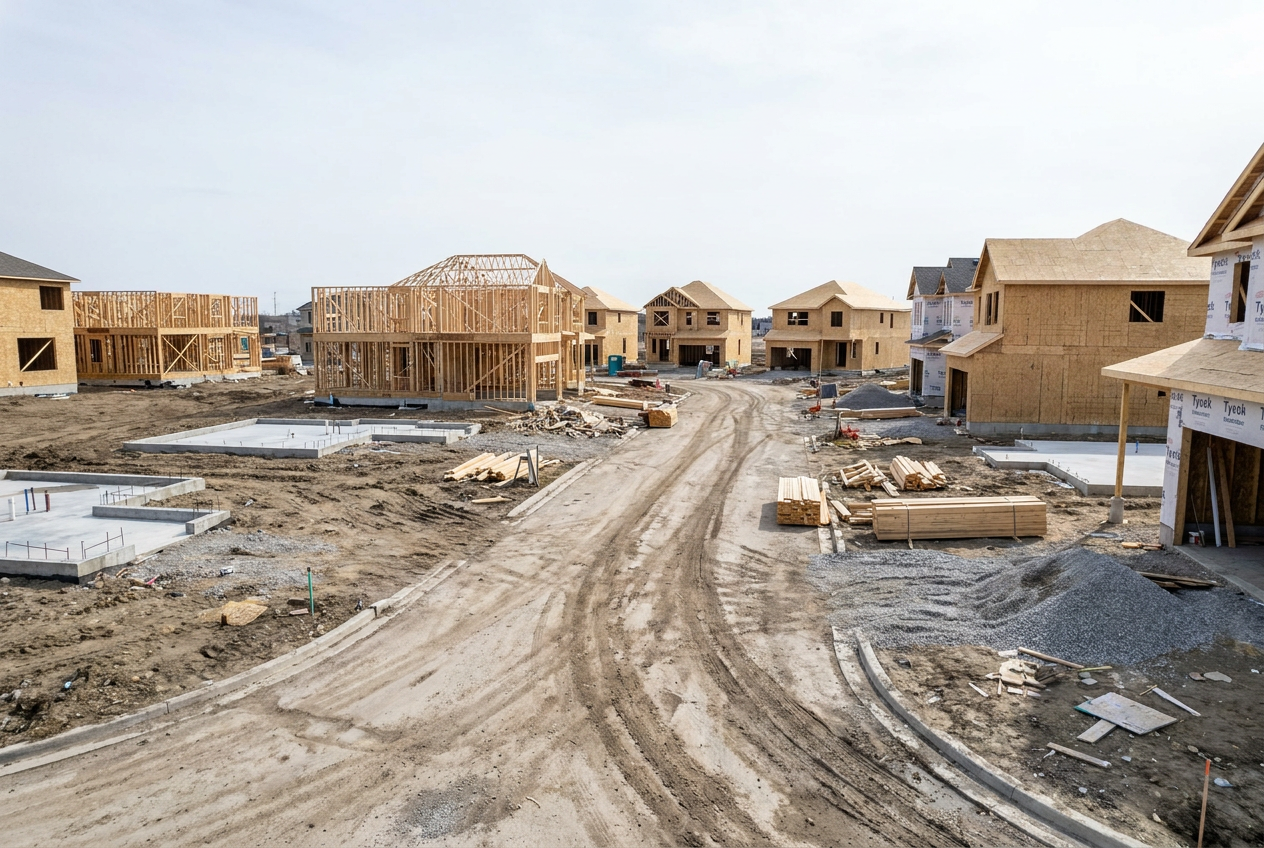
When a homebuilder is running 40 lots across four overlapping phases, spreadsheet scheduling stops being a tool and starts being a liability. Land prep on one end of the development, framing crews moving through the middle, MEP rough-ins waiting on inspections, all of it happening at the same time, on different lots, with shared subcontractors and a single budget that has to hold. Construction ERP scheduling tools are built specifically for this kind of complexity, giving homebuilders a structured way to see every phase, every lot, and every dependency in one place instead of scattered across a dozen tabs.
Why Multi-Phase Residential Developments Break Spreadsheet Scheduling
Multi-phase residential developments fail on spreadsheet scheduling because each phase, land prep, foundation, framing, MEP rough-in, finishes, closeout, runs concurrently across multiple lots, creating dependency chains that a static grid cannot track, update, or alert on in real time. A spreadsheet can capture what you planned. It cannot tell you what changed, who needs to know, or what falls apart downstream when a concrete pour gets pushed two days.
The Overlap Problem Spreadsheets Cannot Solve
Phases in a residential subdivision are not sequential. Phase 1 lots might be at drywall while Phase 2 lots are still getting foundations poured and Phase 3 lots haven't broken ground. That overlap is intentional. It's how builders keep revenue moving. But it means the schedule is never a straight line. It's a web of dependencies, and the moment one thread shifts, several others shift with it.
A spreadsheet has no mechanism to propagate that shift. Someone has to notice, update the file manually, and then communicate the change to every affected party. On a 40-lot project, that's not a minor inconvenience. It's a full-time job nobody was hired to do, and it rarely gets done before the damage is already underway.
What Gets Lost When Phases Share Subcontractors
Subcontractor availability is the most common scheduling constraint on a multi-phase build. Your framing crew isn't exclusive to one phase. Your electrical sub works across multiple lots, sometimes multiple developments. When their schedule slips on Lot 7, the ripple hits Lot 14 and Lot 22, but only if someone is tracking that connection.
Spreadsheets don't track subcontractor assignments as live resources. They track them as text in a cell. That distinction matters enormously when you're trying to figure out whether you can pull your HVAC sub forward on one lot to cover a delay on another.
How Construction ERP Scheduling Tools Map to Development Phases
Construction ERP scheduling tools map each development phase to a structured project record, linking lot-level tasks, subcontractor assignments, and material deliveries so that a delay in framing on Lot 12 automatically surfaces its downstream impact on MEP rough-in and inspection scheduling. This isn't just a better calendar. It's a connected data model where every task knows what it depends on and what depends on it.
Lot-Level Scheduling Inside a Single Project Record
A well-configured construction ERP treats the subdivision as the project and each lot as a sub-record within it. Tasks, milestones, and phase gates exist at the lot level, but they roll up to a development-wide view that a project manager can scan in seconds. Which lots are on track. Which are lagging. Which are about to create a bottleneck, without opening forty separate files.
DC Tech Group's homebuilder ERP solutions are configured around exactly this structure, matching the way residential builders actually organize their work rather than forcing a generic project template onto a lot-based workflow.
Phase Gates and Dependency Logic
Phase gates are the checkpoints that prevent work from starting before its prerequisites are met. Framing doesn't begin until the foundation inspection passes. MEP rough-in doesn't begin until framing is closed. In a spreadsheet, those gates exist only as institutional knowledge, someone has to remember and enforce them. In an ERP, they're built into the task logic. The system won't schedule MEP on a lot where framing is still open, and it will flag any attempt to override that sequence.
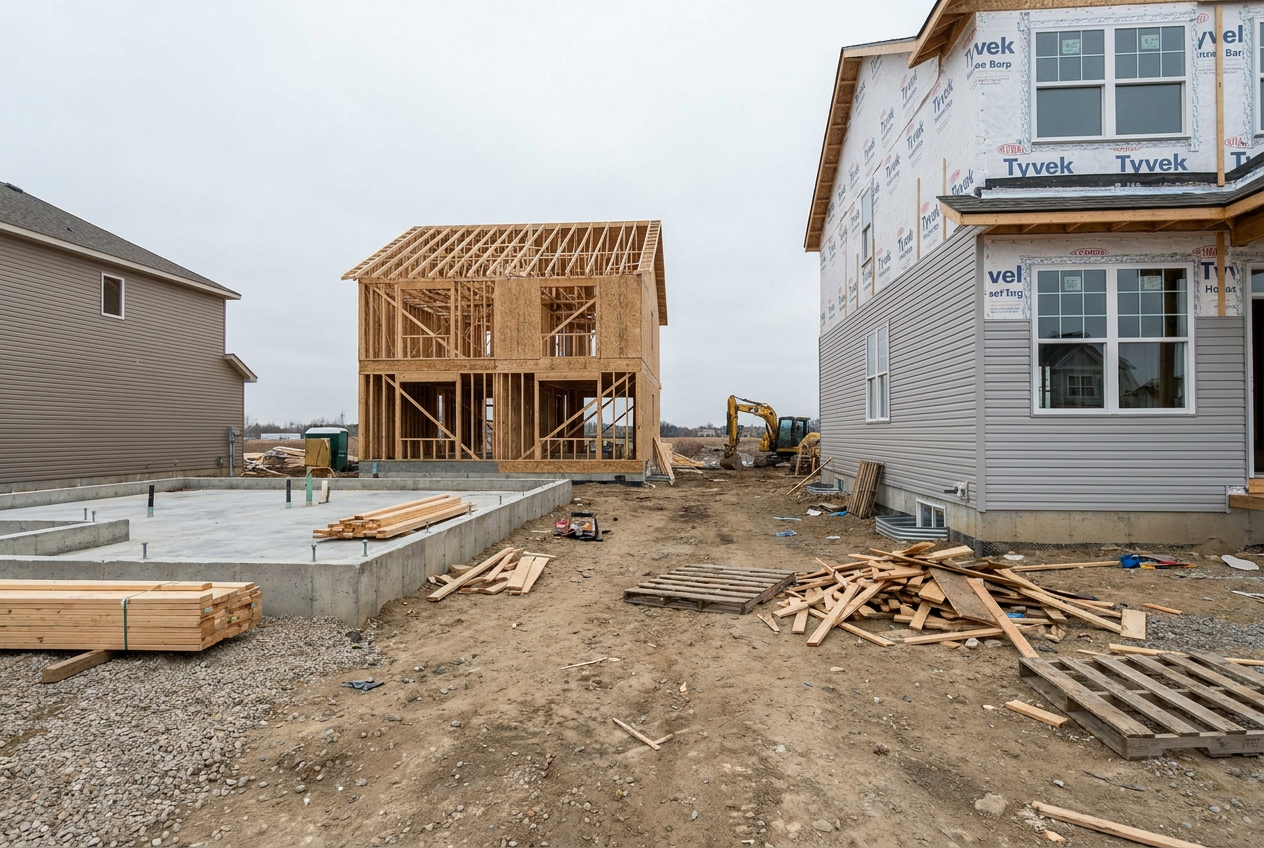 A 40-lot subdivision in motion: foundations, framing, and finishes running simultaneously across the same development.
A Real Scenario: Running a 40-Lot Subdivision Across Four Active Phases
Consider a homebuilder managing a 40-lot subdivision with four phases running simultaneously. Phase 1 has 12 lots in finishes and closeout. Phase 2 has 10 lots in framing and MEP rough-in. Phase 3 has 10 lots at foundation. Phase 4 is in land prep. That's four distinct operational rhythms, shared subcontractors, and a project manager trying to hold it all together.
With a platform like Acumatica Construction ERP, each of those phases lives inside a structured project record. The builder can see which lots in Phase 2 are waiting on framing inspections, which Phase 3 foundations are ready to release for framing crews, and whether the Phase 1 closeout schedule has any lots at risk of missing their delivery commitments, all from a single dashboard.
- Phase 1 (Lots 1–12): Finishes and closeout. Punch lists, final inspections, and delivery coordination tracked per lot.
- Phase 2 (Lots 13–22): Framing and MEP rough-in. Dependency logic prevents MEP scheduling until framing milestones are confirmed closed.
- Phase 3 (Lots 23–32): Foundation. Pour schedules linked to inspection availability and weather holds where applicable.
- Phase 4 (Lots 33–40): Land prep and site work. Subcontractor assignments visible against their full project-wide workload.
- Cross-phase: Shared subcontractor calendars surface conflicts before they become missed days on-site.
Job Cost Control and Budget Variance Visibility Across Every Lot
Scheduling and job cost control are inseparable on a multi-phase development. A two-day framing delay isn't just a calendar problem. It's a cost problem. Idle crew time, a pushed inspection, a material delivery that now needs to be rescheduled or stored. If your scheduling tool doesn't connect to your cost data, you're always reacting to budget variances after they've already compounded.
Connecting Schedule Milestones to Financial Triggers
Construction ERP platforms tie schedule milestones directly to financial events. When a foundation inspection closes on Lot 18, that milestone can trigger a draw request, release a subcontractor payment, or flag a material order for the next phase. The schedule becomes the financial engine of the project, not just a timeline hanging on the wall.
This connection matters especially for homebuilders managing construction loans with draw schedules tied to phase completions. Missing a milestone doesn't just delay the next phase. It delays the next draw, which affects cash flow across the entire development.
Budget Variance Reports That Flag Problems Before They Compound
Lot-level budget tracking means you can see where costs are running over before the variance becomes a pattern. If framing costs on Phase 2 lots are consistently coming in 8% above estimate, that's visible early enough to investigate, whether it's a lumber pricing issue, a scope creep problem, or a subcontractor billing error, rather than discovering it at project closeout when there's nothing left to do about it.
DC Tech Group's residential contractor ERP and job cost control configurations are designed to surface exactly these kinds of early signals, giving builders the visibility to make decisions while options still exist.
 When subcontractor schedules shift, the foreman needs answers fast, not another round of phone calls.
Subcontractor and Vendor Coordination Without the Back-and-Forth
On a 40-lot subdivision, subcontractor coordination is where schedules actually live or die. The back-and-forth of confirming availability, sending updated schedules by text, and chasing confirmations consumes hours every week. It also creates a communication record that exists only in someone's phone, invisible to everyone else on the team.
ERP platforms with subcontractor portals and scheduling integrations move that coordination into the system. Subs receive schedule updates directly, confirm availability through the platform, and submit lien waivers or completion confirmations tied to specific lot milestones. The project manager's job shifts from chasing confirmations to reviewing exceptions.
- Subcontractor assignments are visible across all active lots, so conflicts surface before they cause missed days
- Schedule updates push to affected subs automatically when a predecessor task closes or shifts
- Vendor purchase orders link to lot-level material needs, so deliveries align with actual phase progression rather than estimated dates
- Completion confirmations tie back to the schedule, closing milestones and releasing the next task in the dependency chain
Connecting these workflows through ERP integrations for contractor and vendor workflows eliminates the gap between what the schedule says and what's actually happening on the ground.
Getting Your Team Set Up on ERP Scheduling Without Disrupting Active Builds
The most common hesitation homebuilders have about adopting an ERP isn't the software itself. It's the timing. You can't pause a 40-lot development to migrate your data and train your team. Active builds don't wait for system implementations.
Implementation That Works Around Your Build Calendar
A phased implementation approach addresses this directly. Rather than a full cutover, the ERP is configured and validated against your existing lot structure before any live data moves over. Your team can work in parallel, running the old process while getting familiar with the new system, until there's a natural transition point, often between phases or at the start of a new development.
Training is scoped to the roles that matter most first: project managers who own the schedule, accounting staff who manage draws and cost codes, and field supervisors who need to confirm milestone completions. Everyone else gets access as the rollout expands.
DC Tech Group's ERP implementation and migration for homebuilders is structured around this kind of sequenced rollout, designed to fit around active build calendars rather than disrupt them. The goal is a system that's already working for your team before it becomes the system of record, not one that creates a gap between go-live and actual usefulness.
Can construction ERP scheduling tools handle lots that are at different phases within the same project?
Yes. Construction ERP platforms like Acumatica are designed to manage lot-level scheduling within a single project record, so each lot can be at a different phase, foundation, framing, MEP rough-in, finishes, while still rolling up to a unified development view. The system tracks dependencies and milestones per lot independently.
How does ERP scheduling handle subcontractors who work across multiple lots or multiple phases?
Subcontractor assignments are tracked as live resources in the system, not just as text entries. That means the platform can surface scheduling conflicts when a sub is assigned to overlapping tasks on different lots, and it can show a project manager the sub's full workload across the development before making a new assignment.
What happens to our existing schedule data when we migrate to an ERP?
Migration scope depends on your current data structure and the ERP platform being implemented. In most cases, historical project data, lot lists, and cost codes can be imported into the new system. Your implementation partner should map your existing data to the ERP's structure before any migration begins, so nothing is lost in the transition.
Do we need to be fully off spreadsheets before going live on an ERP?
Not necessarily. Many homebuilders run a parallel period where both systems are active during the transition. The ERP is configured and validated against your real lot structure, and your team uses it alongside existing tools until they're confident in the new process. The cutover point is planned around your build calendar, not a fixed go-live date.