If you are evaluating home builder ERP software for your company, one of the most important questions to answer early is whether the system you are considering actually fits how you build.
Custom home builders and production, or tract, builders share many of the same operational pressures. Both manage budgets, coordinate subcontractors, track costs, and keep clients informed. But the way those pressures show up in day-to-day operations is different enough that the wrong ERP configuration can slow your team down rather than help it.
At a high level, custom builders need flexibility for client-specific decisions, while production builders need repeatability across lots, communities, purchasing, and reporting. This guide breaks down what each build model needs from a home builder ERP system, where those needs overlap, and how to approach implementation so the software actually works for your business.
Why Homebuilders Outgrow Spreadsheets and Generic Software
Most homebuilding companies start managing operations with accounting software and spreadsheets. That combination works early on. But as project volume grows, the gaps become harder to manage.
The Cost of Disconnected Systems
When accounting lives in one system and project management lives in another, the data that links them has to be maintained manually. Subcontractor invoices get matched to jobs by hand. Change orders have to be entered in multiple places. Budget updates require someone to pull numbers from different sources and reconcile them before anyone can see a clear picture of where a project actually stands.
The manual work itself becomes the bottleneck. By the time the information is current, the window to act on it has often passed.
When Manual Reconciliation Becomes the Bottleneck
For homebuilders managing ten or more active projects at the same time, manual reconciliation is not just inefficient. It is a genuine risk. Billing slows down. Budget overruns go undetected until they are significant. Subcontractor payments lag behind actual progress.
A properly configured ERP system can connect job cost, commitment, and billing data so teams rely less on manual reconciliation and see a more current picture of project performance. Builders who want to understand how a connected platform eliminates these manual steps can explore available software solutions for homebuilders and contractors.
For broader context, McKinsey has reported that large construction projects frequently face schedule and budget challenges, which reinforces why clearer cost and project visibility matters for builders.
What Custom Home Builders Need From an ERP
Custom home building is defined by variability. Every project has a unique floor plan, client preferences, budget, and timeline. That variability creates specific software requirements that a generic construction tool is rarely built to handle well.
Custom builders need ERP software that can flex to the specifics of each project without requiring a workaround every time something changes.
Before choosing software, custom builders should confirm the ERP can support:
- Client selections that connect directly to budget and supplier data
- Change orders that update contract value, scope, and job cost visibility
- Project-level reporting that shows margin by home, not only across the company
Change Order and Client Selection Management
Change orders are a constant in custom home building. A client adds square footage, upgrades finishes, or decides to expand the garage. Each change affects the contract value, the project budget, and potentially the scope of work for multiple subcontractors.
A home builder ERP system should track every change order against the original contract, update financials automatically, and maintain a clear record for both the builder and the client. Without that, cost disputes become more frequent and harder to resolve.
Client selections create a similar challenge. Cabinets, flooring, fixtures, and appliances each carry a cost, a lead time, and a supplier. Managing those selections within the same system as your project financials keeps everything connected and visible. It also eliminates the back-and-forth of tracking them separately.
For example, if a client upgrades from standard cabinets to custom millwork, the ERP should connect that selection to the change order, supplier cost, project budget, and client approval record.
Job Costing at the Individual Project Level
For custom builders, every home needs its own profit and loss picture. You need to know, at any point in the build, whether a specific project is tracking to budget or running over and by how much.
That requires job costing down to individual cost codes, tracked in real time as purchase orders are issued and invoices come in. With that data in your ERP, you can catch problems early and make informed decisions before they affect your margin.
Flexible Subcontractor Management
With custom homes, subcontractor scope often varies by project. The framing scope on a 3,000-square-foot traditional build looks different from a 5,500-square-foot contemporary home on a complex lot.
Your ERP should make it straightforward to issue and adjust subcontracts by project, track progress, manage lien waivers, and tie payments to milestone completion without rebuilding the process from scratch on every job.
What Production Builders Need From an ERP
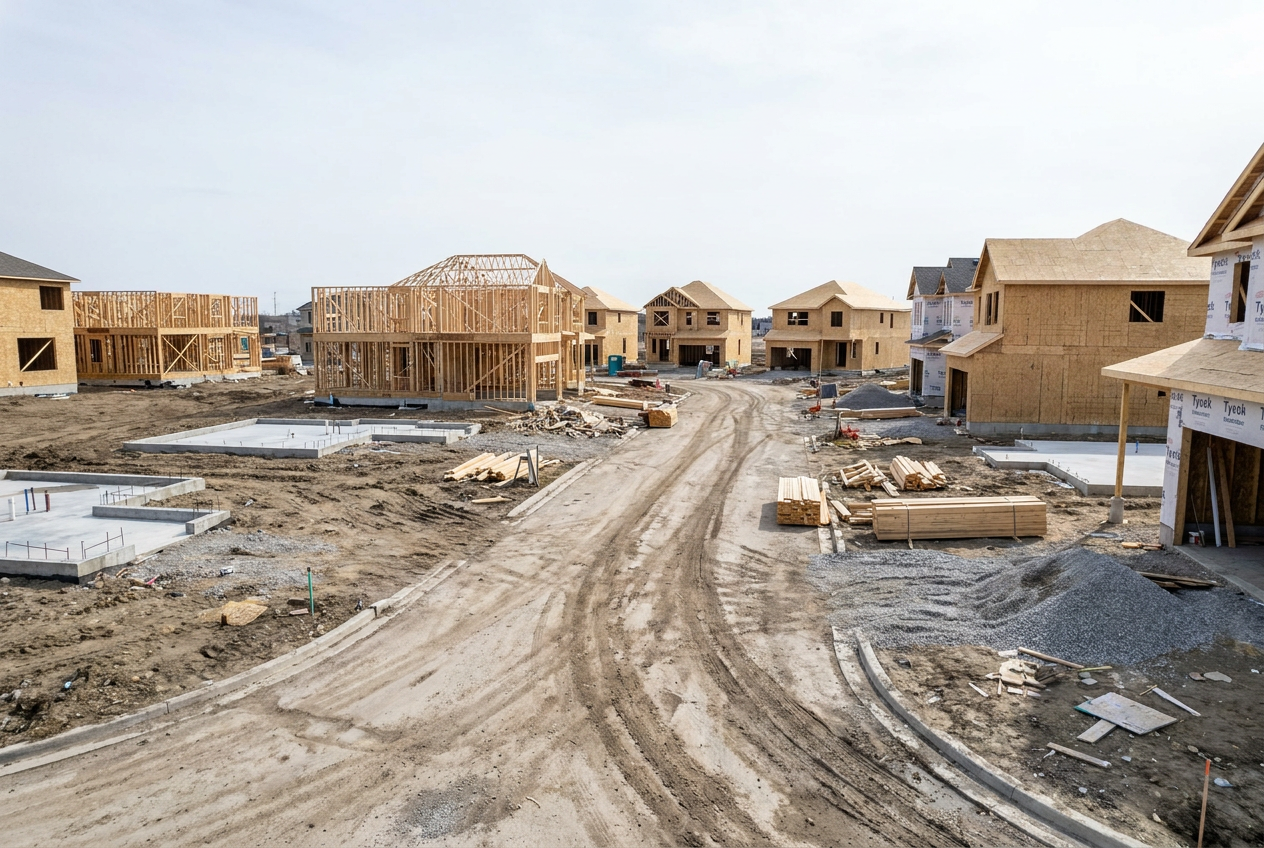
Production homebuilders operate differently. While individual homes may vary in some details, the overall process is repeatable. The goal is to build efficiently at volume, manage multiple communities simultaneously, and standardize everything that can be standardized.
The ERP requirements for production builders reflect that focus on consistency and scale. A well-configured production builder ERP system typically needs to support:
- Lot management and community tracking across all active developments
- Template-based construction workflows that replicate across every home in a community
- Volume purchasing controls that give procurement teams real-time visibility into committed costs
- Community closeout processes that produce clean, accurate financial records
Repeatable Workflows and Lot Management
Production builders need ERP systems that can apply a proven workflow across every lot in a community. Once a construction sequence is defined, including framing, inspections, mechanical, and finish work, that sequence should be deployable across dozens or hundreds of homes without being rebuilt each time.
Lot management sits at the center of this. Your system needs to show which lots are available, under contract, under construction, and closed across all of your active communities. It also needs to stay current as conditions change, without someone manually updating a spreadsheet.
Volume Purchasing and Materials Tracking
One of the key financial advantages production builders have is purchasing power. But that advantage only holds when procurement is disciplined and visible. When purchase orders, committed costs, and materials on order are tracked in the ERP across every active community, your purchasing team can negotiate from an informed position and catch duplicate orders before they happen.
Materials tracking also connects directly to schedule management. When a framing package is delayed, the ERP should surface that delay immediately so the schedule can be adjusted before it cascades through the rest of the project sequence.
Community Closeout and Warranty Tracking
At the end of a community, production builders need to close out every lot cleanly. Final invoices, retention releases, warranty documentation, and financials should all reconcile back to the original budget. An ERP that handles the full project lifecycle through community closeout gives you an accurate performance record for every development you complete, which also informs how you bid and plan future communities.

Where Both Build Models Share Common ERP Ground
Despite the differences in how custom and production builders operate, both face the same core financial management challenges. The ERP capabilities that address those challenges are largely the same regardless of build model.
Real-Time Job Visibility Across All Projects
Both custom and production builders benefit from seeing where every project stands by cost, schedule, and status without having to ask multiple people or pull from multiple systems. When ERP connects accounting, project management, and field reporting, that visibility is available as a matter of course rather than something that has to be assembled on request.
For builders evaluating how a unified platform changes day-to-day decision-making, the homebuilder-specific solution overview is a good place to start.
Financial Controls and Cash Flow Management
Cash flow is a challenge for every homebuilder. Progress billing, retainage, subcontractor payments, and material costs all have to be managed carefully and in coordination with one another.
An ERP that automates invoicing, tracks retainage by project, and gives you a real-time view of committed costs versus available budget helps you manage cash flow without relying on manual end-of-month calculations. That applies equally to a builder running five custom homes and one running five communities of 50 lots each.
Implementation and Configuration Matter as Much as Features
Knowing which ERP features your build model requires is only part of the decision. The other part is making sure those features are configured to match how your business actually operates.
Why Out-of-the-Box Configurations Rarely Fit
Even well-designed construction ERP platforms require meaningful configuration before they are truly useful. A custom builder needs change order workflows and client selection tracking set up for how they manage client relationships. A production builder needs lot management templates and community structures that reflect their actual construction sequence.
Going live on a default configuration often means adapting your process to the software rather than the other way around. Builders who invest time in a thorough implementation plan, including migrating data from legacy systems, tend to see faster team adoption and cleaner results from the start. A thoughtful approach to implementation and data migration is what separates a system your team relies on from one they work around.
What a Strong Implementation Looks Like
A well-structured ERP implementation for a homebuilder covers data migration from existing systems, job cost structure setup, subcontractor and purchasing workflow configuration, and training for both office staff and project managers. It should also include a plan for ongoing support as your business grows and your needs change.
Before kickoff, a strong implementation team should align with you on:
- Which legacy data needs to be migrated and cleaned before go-live
- How job cost codes, approvals, and purchasing workflows should be structured
- Which reports leaders, accounting teams, and project managers need on day one
The goal is not just to get the software running. It is to make sure your team can use it confidently and that the system reflects how you actually build. Thoughtful customization to fit your specific workflows is often what makes the difference between a system that gets used and one that gets ignored.
How DC Tech Group Supports Homebuilders With Acumatica
DC Tech Group specializes in Acumatica Cloud ERP implementation for homebuilders and residential contractors. Whether you build custom homes, production communities, or a mix of both, the team brings over 30 years of combined industry experience and a track record of more than 350 successful projects across the U.S. and Canada.
Acumatica Configuration for Builder Workflows
The focus is on configuring Acumatica around your build model, including job costing, purchasing, approvals, reporting, and project workflows, rather than forcing your operations into a generic setup. For teams comparing Acumatica for homebuilders against other construction ERP software, that configuration approach is often what determines whether the system reflects real field and office workflows.
Implementation Support Beyond Go-Live
DC Tech Group supports full implementation, data migration, workflow configuration, training, and long-term support as your business evolves.
If you are evaluating ERP options for your homebuilding operation or have questions about how Acumatica can support your specific workflows, the team is ready to help. Builders who want to understand what the right configuration looks like for residential construction can also review the residential contractor solutions page.
Contact DC Tech Group to discuss Acumatica ERP for your homebuilding operation.