When Reporting Becomes a Roadblock
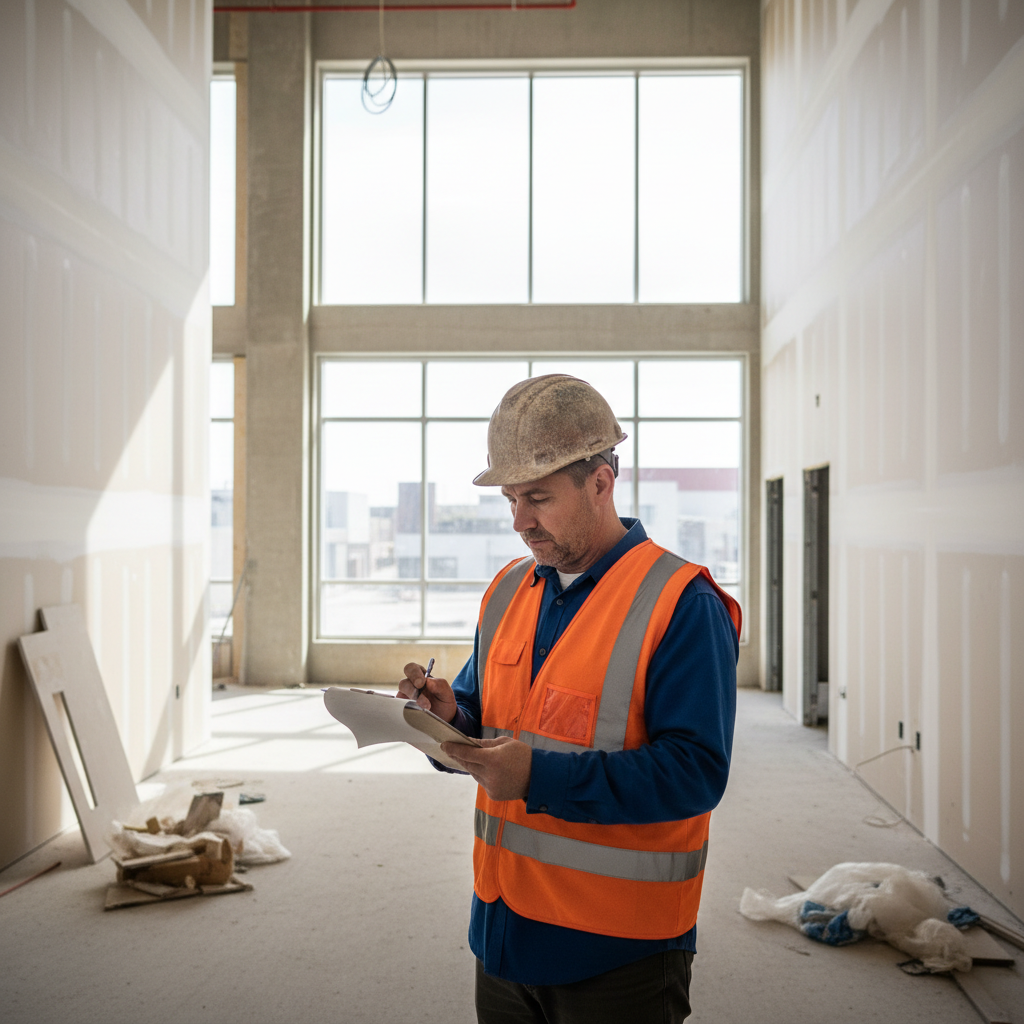
It’s 4:30 p.m., and your super still hasn’t submitted the daily field report.
Why? Because he’s been solving layout issues, chasing a missing delivery, coordinating two trades, and answering client questions, all while trying to keep the job moving.
In many construction companies, field reporting feels like busywork. It’s time-consuming, redundant, and disconnected from the real action. But when that report goes missing, so does critical visibility of job progress, issues, delays, and productivity metrics.
The answer isn’t to chase down field teams for forms. The answer is to give them a faster, easier way to report without slowing them down.
This is exactly what Acumatica is built to solve.
Why Traditional Field Reports Don’t Work Anymore

Most builders still rely on paper forms, fillable PDFs, or outdated apps to collect jobsite data. These methods frustrate field leaders and leave office teams with incomplete or late information.
Common problems include:
-
Crews forgetting to log activity at the end of the day
-
Redundant data entry from field to office
-
Reports missing key data like weather, crew counts, or delays
-
Photos stored separately or never uploaded
-
Zero integration with project budget or schedule
The result? Incomplete data, reactive decision-making, and missed opportunities to protect margins or correct course.
How Acumatica Makes Field Reporting Fast and Useful
Acumatica’s field tools are designed specifically for construction teams who don’t have time for clunky software. With mobile-ready reporting and seamless ERP integration, your crews can log what matters in real time.
1. Daily Reports Built for the Field
Supers and foremen can complete reports from their phone or tablet, including:
-
Crew and subcontractor headcount
-
Work completed by trade or task
-
Materials used
-
Weather conditions
-
Photos and notes
-
Delays or issues flagged for review
The interface is simple, the input is fast, and reports sync instantly to the back office.
2. Seamless Photo & Document Upload
No more digging through phones or shared folders. Field teams can upload photos directly into the daily report and tag them by location, issue, or trade.
This makes it easier to:
-
Document progress
-
Track quality issues
-
Share visuals with clients or owners
-
Resolve disputes faster
Everything is tied to the job and accessible from anywhere.
3. Real-Time Visibility for Office Teams
Office staff no longer wait for PDFs or texts. As soon as a report is submitted, PMs, accounting, and executives can see:
-
Job progress by date
-
Labor productivity
-
Notes on delays or RFIs
-
Budget impact if linked to cost codes
This kind of visibility allows faster decisions, better forecasting, and less back-and-forth between the field and office.
Why Mobile Field Reporting Improves Safety and Accountability
Jobsite reporting isn’t just about progress tracking it plays a critical role in construction site safety and accountability.
With Acumatica, field leaders can easily document:
-
Safety incidents or near misses
-
Weather conditions that might delay work or increase risk
-
Equipment checks and certifications
-
Jobsite visitors and subcontractor headcounts
Having a mobile reporting tool allows your team to capture and log these safety details in the moment, creating a clear audit trail that protects your crews and your company.
It also reinforces accountability. When crews know that progress and safety are logged daily and reviewed in real time it encourages better compliance and more consistent performance across all job phases.
How a 2-Minute Report Can Save a Day’s Worth of Rework
Let’s say your field team installs framing in the wrong location. Normally, no one catches it until inspections days later.
But with Acumatica, a foreman logs a photo in the daily report with a note: “layout off by 3 inches waiting on revised drawing.”
The PM sees it instantly, corrects the drawing, and avoids a full teardown.
A two-minute update saves a two-day delay and thousands in labor.
Field Reporting Shouldn’t Feel Like Homework

Reporting won’t be a burden when it fits naturally into the way your crews already work; efficient, reliable, and connected to real progress.
That’s the difference with Acumatica:
-
Reports take minutes, not hours
-
Everything ties back to the job budget and schedule
-
Teams feel connected, not micromanaged
-
Office staff stop chasing missing updates
Acumatica Connects Field Reports to Job Costing and Scheduling
One of the most powerful aspects of Acumatica’s field reporting tools is how they integrate with your core construction workflows, especially job costing and project scheduling.
Here’s what that looks like in practice:
-
Field data logged in daily reports (like labor hours or material usage) automatically updates job cost reports
-
Delay notes and photos can trigger schedule adjustments or alerts for the PM
-
Office teams can analyze productivity across trades, days, or phases, without needing to request updates manually
This real-time loop between the field and office eliminates blind spots, reduces the need for check-ins, and supports better forecasting.
Instead of field reports living in a silo, Acumatica turns them into actionable job data that helps you stay on time and on budget.
Bring Reporting Into the Workflow
When reporting tools are designed to match how your crews actually work, you get better data and better performance.
At DC Tech Group, we help builders implement Acumatica with real-world workflows in mind. From mobile reporting to cost tracking and field coordination, we’ll help you streamline operations without adding admin work.
Contact DC Tech Group to see how Acumatica helps you get better field reports without slowing down your build.