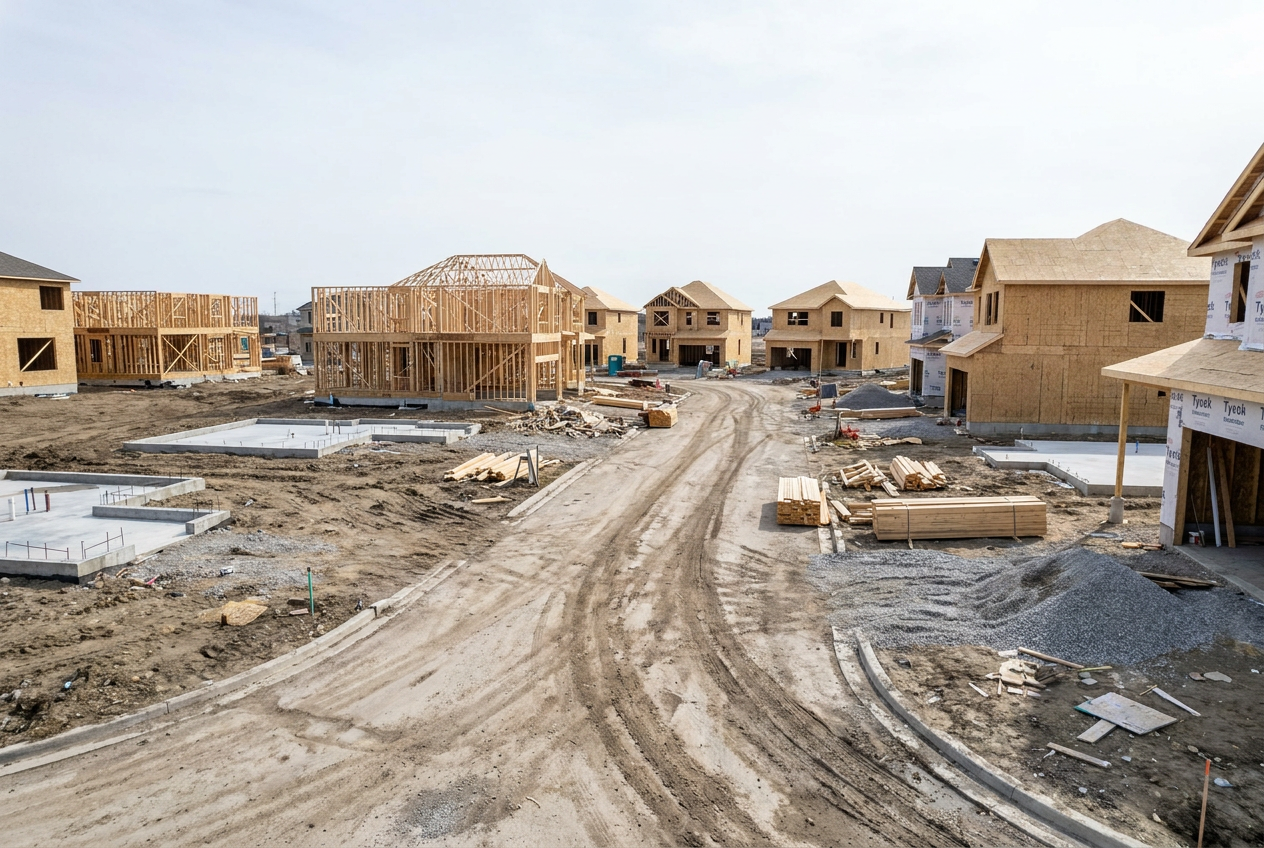
Acumatica Tools That Help Residential Contractors Build Smarter
Residential contractors live in the real world of thin margins, shifting schedules, and demanding homeowners. If your jobs run on spreadsheets, email threads, and disconnected apps, you’re spending more time chasing information than building. The latest release of Acumatica Cloud ERP: 2025 R2 changes that with a cleaner interface, AI-powered automation, and construction-specific features that keep every project moving.
This guide shows how residential contractors, remodelers, custom builders, additions specialists, and multi-project firms, can use Acumatica to streamline work from estimate to final walkthrough. If you want a partner to configure the system for your exact workflows, DC Tech implements and supports purpose-built software solutions for the trades and offers hands-on training, integrations, and ongoing help.
Why Residential Contractors Outgrow Spreadsheets and Point Tools

-
Project complexity keeps rising. Even small jobs involve subs, materials with long lead times, and change-order pressure.
-
Margins are tight. You need live job-cost visibility to spot overruns before they hit the bottom line.
-
Field teams need mobile access. Crews can’t wait to “update the office later.”
-
Customers expect transparency. Clear invoices, timely updates, and clean documentation win reviews and referrals.
Acumatica consolidates accounting, project management, purchasing, scheduling, and service into one platform, so your office staff, field leads, and subs all work from a single source of truth.
What’s New in Acumatica 2025 R2 for Residential Contractors
Modern, Role-Based User Experience
The Modern UI is faster and easier to personalize. Project managers see the metrics that matter; bookkeepers get clean workflows; field users get simplified mobile screens. You can even allow dashboard editing by role to tailor views without compromising control.
AI Studio to Automate the Busywork
Acumatica’s AI Studio lets you connect leading large language models and add one-click commands to forms. Use it to draft purchase descriptions, summarize meeting notes into project updates, or convert site notes into clean case logs, reducing repetitive typing across your team.
Project 360 Dashboard for Live Job Insights
The Project 360 Dashboard surfaces budget vs. actuals, gross profit, open commitments, retainage, and change-order status in one place. You can drill into any figure to understand what changed and what to do next.
Document and Time Management Built for the Field
Intelligent document control auto-tags RFIs, submittals, contracts, and photos. Integrated timers let crew members clock in/out to specific activities, super helpful for T&M, punch-list work, and warranty tasks.
For a deeper overview and to see how these fit your operation, DC Tech’s team has dedicated pages for residential contractors and homebuilders.
Estimate-to-Closeout Workflow in Acumatica for Homebuilders
Build the Estimate and Budget Once
Start with templates that reflect how you build, by phase, cost code, room, or trade. When the job is sold, convert the estimate into a live project budget and schedule without re-entry.
Pro Tip: Lock the original budget and track all changes through formal change orders. The system keeps your history clean for future estimating and margin analysis.
Purchase Materials With Confidence
Issue POs directly from project needs. Use full-text inventory search to find the right SKU fast, group orders by vendor, and track expected delivery dates. If you maintain a small warehouse for staples, Acumatica’s simple WMS workflows help you receive and put away stock without slowing crews.
Manage Subs and Change Orders
Attach subcontracts to the job, release progress payments against percent complete, and track lien waivers alongside documents. When work expands, an owner adds a bathroom, a wall moves, create a formal change order and automatically update budget, schedule, and customer billing.
Keep Documentation Airtight
Every RFI response, photo, and signed change lands in one project record. If a question comes up months later, you’re not digging through email.
Track Time Accurately Without Chasing Paper
Field timers and mobile timecards make it easy for foremen and crew leads to record labor by activity and cost code. Those entries feed payroll, WIP, and job cost in real time, so you see where hours are going and why.
Real-Time Job Costing and Cash Flow Visibility in Acumatica

Live Budget vs. Actuals
The Project 360 Dashboard shows committed costs, received costs, and labor as it’s posted. If cabinet prices jump or an extra day of demo hits the plan, you’ll see it the same day, not weeks later.
Accurate WIP and Revenue Recognition
Acumatica supports percent-complete, unit-based, or milestone billing. WIP reporting is built in, so you and your accountant stay aligned and cash flow stays predictable.
Invoice Clarity and Faster Payments
Send payment links that include line-item detail for transparency. Homeowners can review and pay electronically, reducing calls to the office and speeding collections.
Inclusive Tax and Multi-Jurisdiction Support
If you work across localities or states, integrated tax engines help calculate the right tax automatically on every invoice and purchase.
Construction Scheduling and Field Management Tools for Residential Teams
Calendar Board for Crews and Service Work
Drag-and-drop scheduling assigns crews by skill, location, or availability. Map views simplify routing, and same-day calls are easy to slot. For firms that handle punch lists and warranty work, the field service module ties directly to job history and customer records.
Mobile Tools That Crews Actually Use
From any device, field leads can view tasks, upload photos, log materials, and submit time. Need a signature for a change or completion? Capture it on the spot and attach it to the job.
Customer Experience That Wins Referrals
Homeowners remember communication and cleanliness as much as craftsmanship. Acumatica helps you deliver both:
-
Clear estimates and draw schedules reduce confusion.
-
Change orders and approvals happen digitally, with signatures.
-
Clean invoices show exactly what was billed and why.
-
Fast responses, because you can find every document and note in seconds.
Pair that with professional training and setup from DC Tech, and your processes feel as polished as your finished work.
Where AI and Automation Make the Biggest Difference
-
Drafting and summarizing: Turn site notes into clean updates; auto-generate descriptions for POs or invoices.
-
Invoice recognition: Speed AP by extracting vendor invoice data with fewer errors.
-
Anomaly detection: Flag unusual cost spikes or labor variances so you can act early.
DC Tech helps you enable AI where it saves measurable time, without adding risk or complexity.
How DC Tech Sets You Up for Success
Selecting software is easy; making it work for your business is where the value happens. DC Tech focuses on the trades and offers:
-
Process discovery & design: Map your estimating, purchasing, field, and billing workflows.
-
Configuration & integrations: Connect Acumatica to estimating tools, document storage, payroll, or CRM.
-
Training by role: Bookkeepers, PMs, and field leads each get the right playbook.
-
Ongoing support: As you grow, DC Tech keeps your system optimized.
Explore their software solutions portfolio or go straight to the residential contractors page to see what’s possible.
Quick Start: A Phased Rollout That Pays Back Fast
Phase 1: Job Cost & Billing
Go live with budgets, AP/AR, WIP, and basic dashboards.
Phase 2: Purchasing & Subs
Add PO automation, commitments, and subcontract progress payments.
Phase 3: Field Mobility & Service
Roll out mobile time, photos, and approvals; add warranty/punch-list workflows.
Phase 4: AI Optimization
Turn on AI Studio for the repetitive tasks that eat your day.
The Bottom Line
Residential contractors don’t need more apps, they need one platform that unites office and field, puts job costs in plain view, and handles change without drama. Acumatica 2025 R2 delivers that foundation with a modern UI, automated workflows, and dashboards that keep projects profitable. With DC Tech as your implementation partner, you can tailor the system to how you build and start seeing ROI in weeks, not months.
Ready to see the tools in action? Review Acumatica’s 2025 R2 overview, explore DC Tech’s solutions for the trades, or contact the team for a walkthrough built around your jobs and crews.